There are many features car companies use to advertise their vehicles, including engines, capabilities, and more. Tech features are among the most popular features today, as they can enhance many aspects of your daily drive. In particular, the infotainment systems in today’s cars can make your life a lot easier.
However, there’s more to these systems than just large displays, although big screens definitely get a lot of attention. The software used to run these systems is also quite important, and one of the biggest ones out there is Google built-in. Let’s take a closer look at what Google built-in actually does, how it’s different from other options, and where you can find it.
What Is Google Built-in?
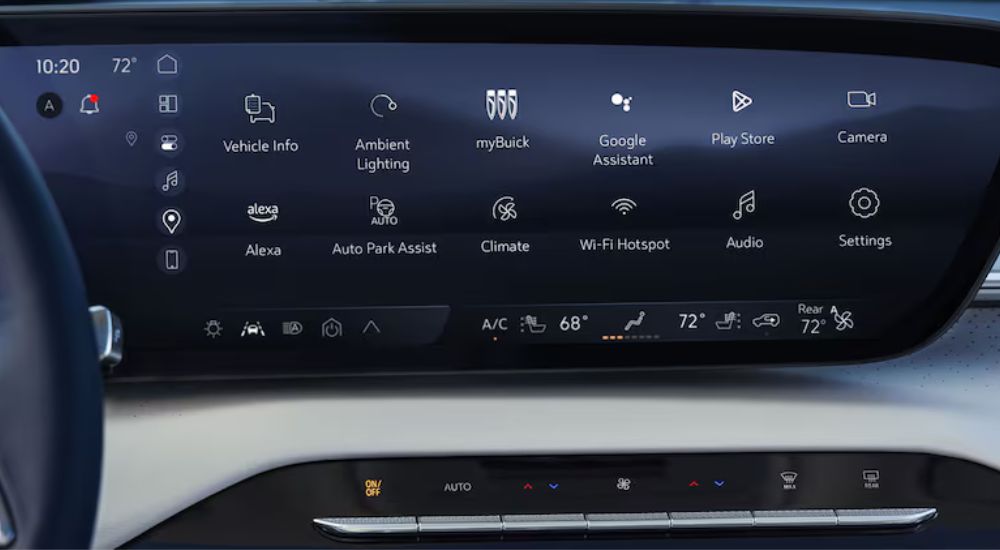
Essentially, Google built-in is an operating system (OS) for a car’s infotainment system, which you can control and view on the vehicle’s central display. As software, this is the stuff that runs other systems and controls the hardware you use.
It’s an open-source platform, which means software engineers can use it as a starting point and customize it in various ways. The Google built-in system you see in one vehicle could have differences from a similar system in a car from another company. However, they use the same underlying system and software, so you’ll see some similarities between them.
This is an Android-based system, which has several advantages. It doesn’t require any secondary devices, like a mobile phone or laptop, to function, so it’s completely self-contained. It can function with other devices for added convenience, but that’s not necessary.
How’s That Different from Android Auto?
Android Auto isn’t an operating system. It’s a program that lets your vehicle’s OS communicate and function with your smartphone or a similar device. A car without Google built-in that supports Android Auto lets you connect your Android-based smartphone to your vehicle’s infotainment system, but you still need that phone for things to work.
This is similar to how Apple CarPlay works. That’s also a program that lets you connect your iPhone or similar Apple device to your vehicle’s infotainment system. The difference between Android Auto and Apple CarPlay is just the smartphone systems and infrastructure that they support. In both cases, you still need that secondary device for them to work with your car.
Google built-in doesn’t require a smartphone to run it. It’s an integral piece of software that is a fundamental part of your car. Even if you have an Apple phone and use Apple devices elsewhere, you can still take advantage of what Google built-in has to offer. That’s a big part of what makes this such a powerful piece of software.
What Can Google Built-in Actually Do?
Essentially, it provides hands-free voice controls for a wide range of systems and technologies integrated throughout your vehicle. You can still use the infotainment touchscreen, but Google voice support makes things a lot easier as you drive.
Navigation Features and Functionality
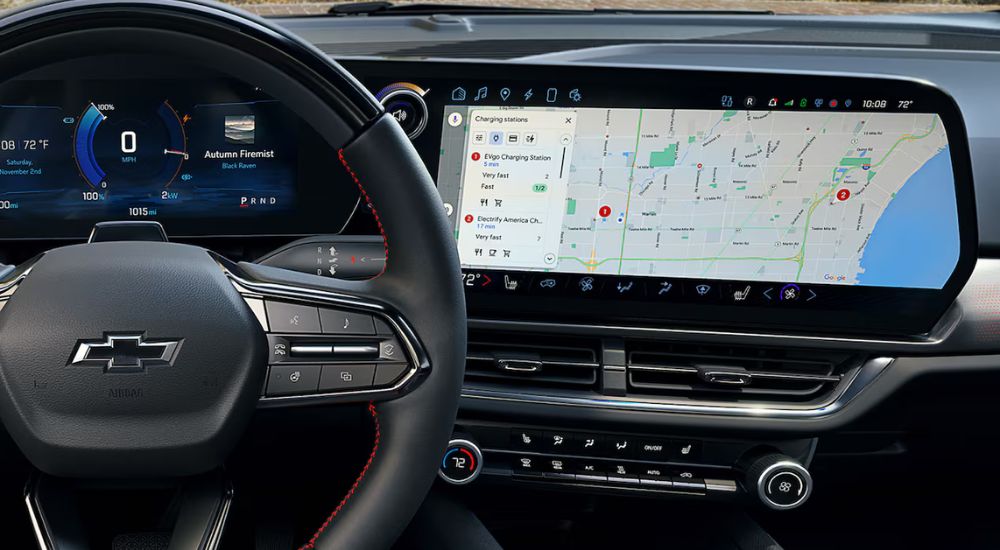
One of the best aspects of Google built-in is how well it integrates with other Google software, such as Google Maps. Although alternatives exist, most people I know are comfortable and familiar with Google Maps and use it as their go-to for directions. As you might expect, Google built-in works perfectly with their Maps and navigation features.
You can easily get navigation information to help guide you where you need to go, with real-time traffic updates and similar features. This makes it easy to figure out where you’re going and have a clear sense of how to get there. Plus, you can choose alternative routes if you need to. Voice navigation is also available, which makes things easier.
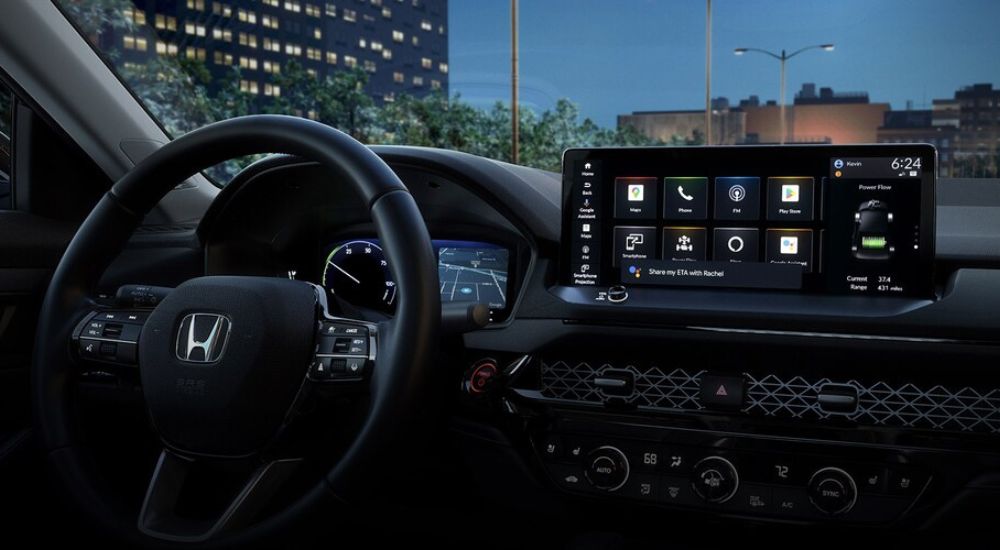
If you prefer something besides Google Maps, a number of other navigation apps are available. Google built-in offers you a wide range of options from the Google Play Store. If there’s something else you prefer using and it’s available on the Google Play Store, you can likely find a version to download and use in your car.
Entertainment and Streaming Features
The wide range of apps in the Google Play Store applies to media, too. You’re not stuck using some built-in media player or similar technology. Instead, you can download apps for various services to get the streaming service you prefer.
This includes audio while you drive, with voice controls for adjusting volume, skipping tracks, and accessing different media. When your vehicle is parked safely, you can even stream video on the infotainment display via Google built-in. Available apps include Netflix, making this incredibly helpful if you tend to wait for others in your car.
Easy Communication Options
Even though you don’t have to utilize phone integration with your car’s Google built-in system, it can make things a lot easier. If you have an Android phone and already use Google software for calls and messaging, you can use those same systems in your vehicle, even if you forget your phone.
You can use voice commands to make calls or send text messages, so you never have to take your hands off the wheel or your eyes off the road. Similarly, the system can read text messages to you. You can even set a reminder for a message you need to send, or add items to a to-do list so you don’t have to worry about forgetting anything.
Vehicle System Controls
Google built-in is not just software for infotainment. It’s an OS that can access and control a wide range of systems. This gives you hands-free functionality for different parts of your car that you might not normally have. Simple voice commands let you activate heated seats in your car, for example. You can tell your vehicle to set the climate control to a specific temperature, and it will do so. You can still use physical controls and knobs provided by your car’s manufacturer to get the best of both worlds.
Integration With Smart Home Systems
If you have some smart home technologies you’d like to use, you might be able to control them while you’re on the road. Only certain pieces of equipment are compatible with Google built-in, but if you have them, you can tell your car to turn on your home’s lights when you turn onto your street, or adjust your home’s climate system.
What Car Companies Support Google Built-in
At this time, a wide range of different companies have adopted Google built-in as their OS of choice for their infotainment systems. These include:
- Acura
- Buick
- Cadillac
- Chevy
- Ford
- GMC
- Honda
- Infiniti
- Lincoln
- Mazda
- Mitsubishi
- Nissan
I imagine this list will grow as Google brings more car companies on board, especially if Google built-in proves popular among drivers. Software development takes time and money. Going with an established OS that you can customize is bound to be attractive to many manufacturers.
Is Google Built-in Here to Stay?
If I could definitively answer this, then I’d be playing the stock market right now. There’s a lot to like about Google built-in, and some big companies have already adopted it. But Google is well known for being fickle about its projects, so it could get canned at some point. For now, though, I think we’ll see it remain popular for quite some time.